
Traxmate for Milestone XProtect
Download Milestone XProtect Integration
Combine live video with real-time location data.
Track people and assets directly in Milestone XProtect.
Live positioning, video and alarms in one view.
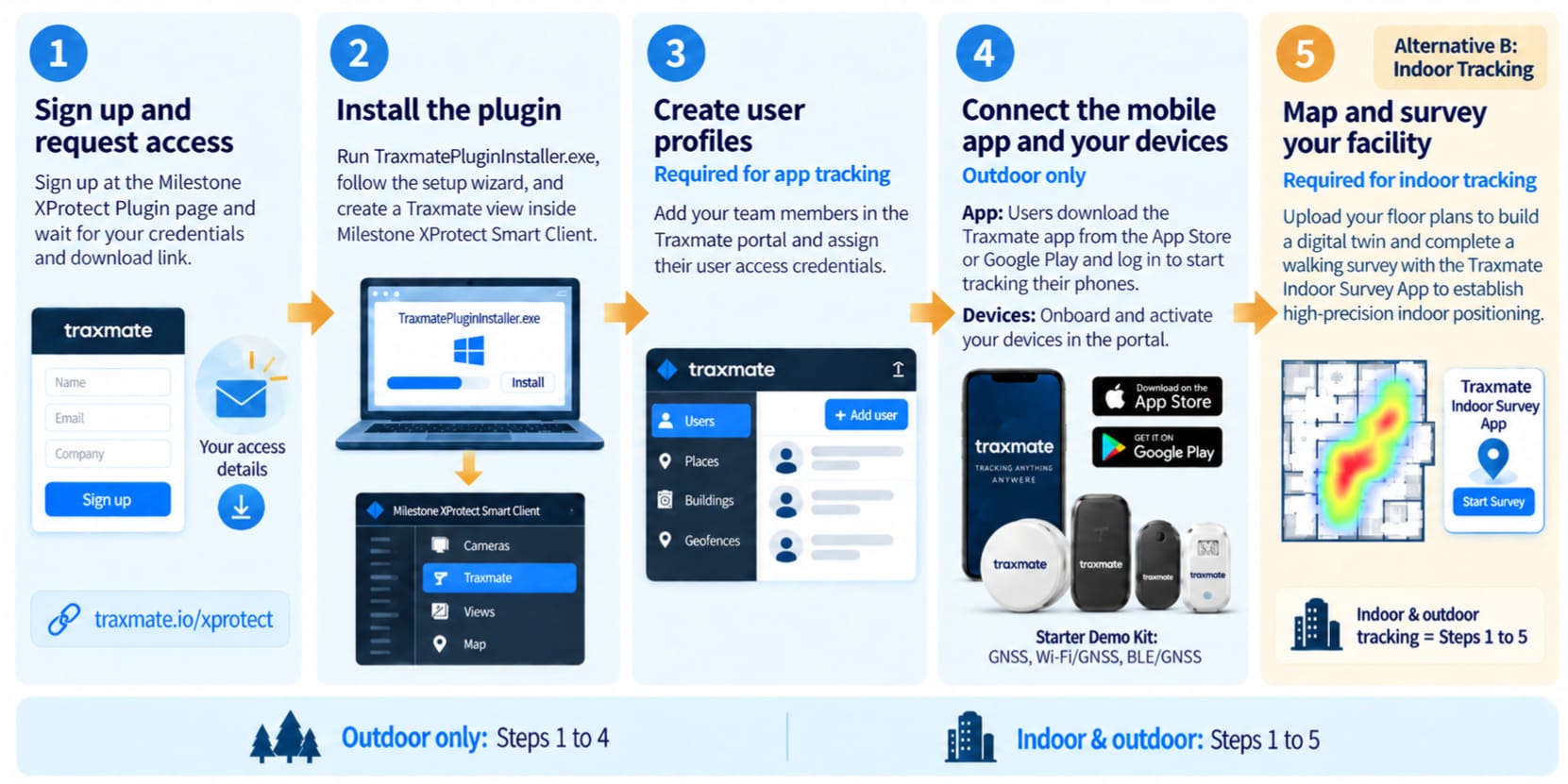
Questions about setup
Which operating system and Milestone version do I need before installation?
You need a PC running Windows Pro with Milestone XProtect Corporate installed. You also need an active Traxmate account with valid login credentials before setting up the client.
What files should be in the downloaded installation package?
The downloaded ZIP package contains two items: the TraxmatePlugin folder and the TraxmatePluginInstaller.exe installer file.
What should I do if the installer does not detect my Milestone installation?
If you installed Milestone XProtect Smart Client in a non-default folder, the installer will not detect it automatically. Use the drop-down menu inside TraxmatePluginInstaller.exe to pick your installation directory manually.
Why does an event pop-up appear when I first open the Traxmate view in Smart Client?
Fresh setups require a matching user-defined event in Milestone. Open the Milestone XProtect Management Client, expand Rules and Events, right-click User-defined Events, select Add New, and type the exact event name shown in the pop-up notification before saving.
How do I configure network endpoints if my team runs an on-premise Traxmate server?
Open AppSettings.txt inside the TraxmatePlugin folder. Add your local server URIs for keys like BaseUrl, ApiBaseUrl, and WebsocketBaseUrl before logging in, and ensure your workstation trusts the local SSL certificates.